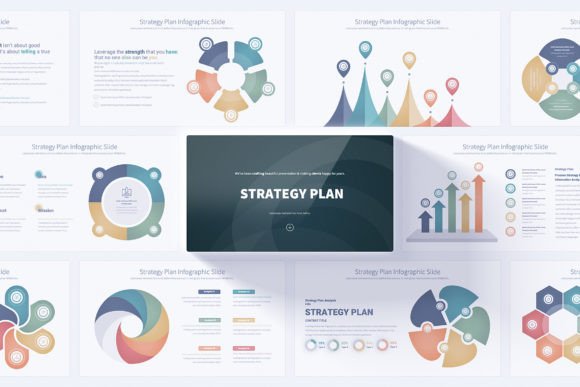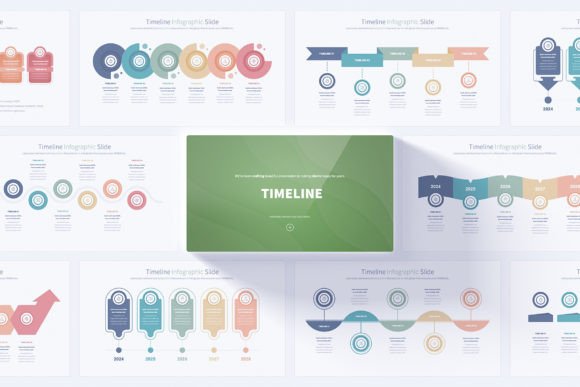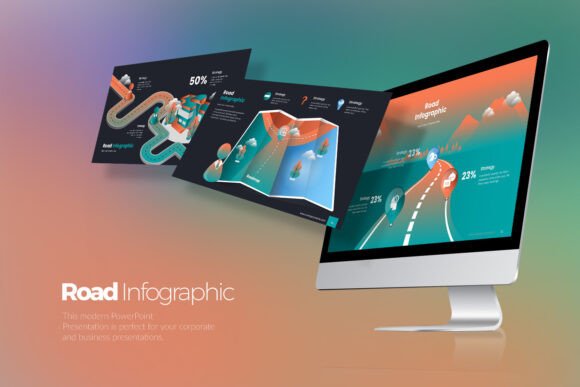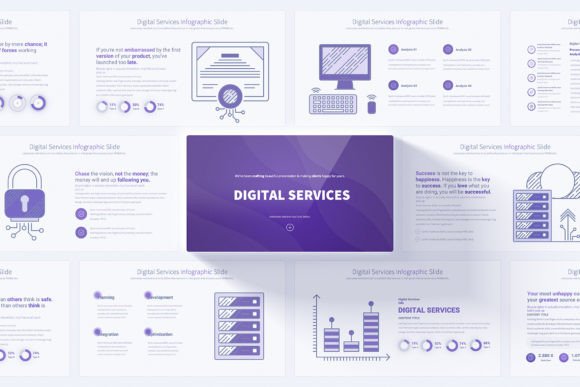
Simplify Financial Presentations with PowerPoint Infographics
Financial communication is a critical skill, yet crafting presentations that are both clear and visually compelling can be a major hurdle. Whether you’re explaining a quarterly budget to a team, pitching an investment opportunity to stakeholders, or teaching a class about online payment systems, your slides need to convey complexity with simplicity. This is where a specialized tool like Finance and Payment PowerPoint Slides becomes relevant.
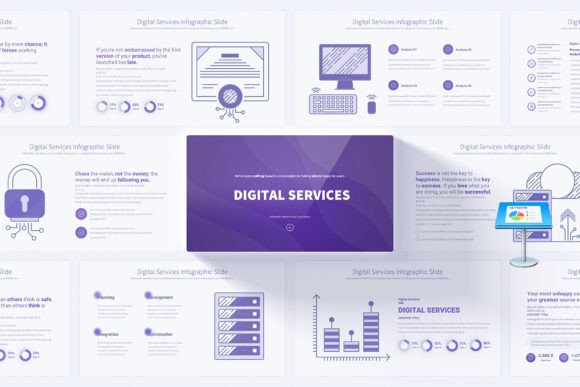
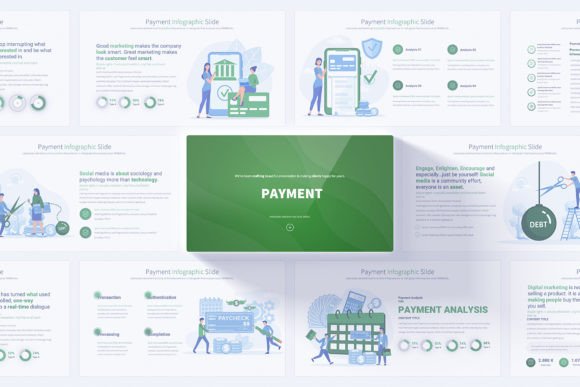
Think of it not as a single slide deck, but as a versatile toolkit. It provides a structured foundation of pre-designed layouts, infographics, and icons specifically tailored to financial topics. With 17 unique slide designs offering a total of 204 fully customizable slides across 12 color variations, it’s built to save time and elevate quality. The core value lies in its design for adaptability: every element, from the handmade finance infographics to the bonus 280 fully editable vector icons, can be modified to fit your exact message.
Why a Specialized Template Matters to Different People
The need to explain payments, budgets, or financial strategies arises in many roles, but the priorities and pressures differ greatly. A generic presentation template might force you to spend hours building charts from scratch or settling for visuals that don’t quite fit. A dedicated financial template addresses this gap, but its importance is perceived differently based on who you are and what you need to achieve.
For Professionals in Finance and Banking
Time, accuracy, and professionalism are paramount. A financial analyst preparing for a client meeting needs to quickly integrate complex data into a trustworthy format. Here, the pre-built infographics for investment timelines, revenue breakdowns, or risk assessment frameworks are invaluable. The Slide Master functionality ensures global changes to fonts or colors are applied consistently across all 204 slides, maintaining a corporate-standard look. The 16:9 Full HD resolution guarantees a polished display on conference room screens. Their evaluation focuses on speed, reliability, and the commercial value of a presentation that reinforces their expertise.
For Entrepreneurs, Freelancers, and Small Business Owners
Resource constraints are real. You might be creating a pitch deck for investors or presenting a new payment processing system to your small team. Your priority is cost-effectiveness and ease of use. You likely don’t have a graphic designer on staff. The ability to drag-and-drop editable elements, use the included vector icons to create custom diagrams, and have professional opening and closing slides from the start translates directly into saved hours and a more credible business image. The PDF documentation and user-friendly design lower the technical barrier, making high-quality output achievable without advanced PowerPoint skills.
For Educators, Trainers, and Content Creators
The goal is clarity and engagement for learners. When explaining a concept like cryptocurrency transactions or loan amortization, visual metaphors and clear step-by-step infographics aid comprehension. The animated transitions and vibrant, light-background color variations in the Finance and Payment PowerPoint Slides can make a dry subject more dynamic. For a blogger or video creator, these slides can be adapted into visuals for articles or tutorial content. Here, the learning value and creative flexibility are key. The template acts as a visual aid library, helping structure information pedagogically.
Practical Considerations: Matching the Tool to Your Needs
Identifying whether this kind of resource fits your project involves looking at your specific goals, skill level, and the nature of the presentation you need to create.
Consider your primary need:
- Is it Speed? If you’re routinely under tight deadlines, the ready-made structure eliminates the blank-canvas problem.
- Is it Quality & Professionalism? For client-facing or high-stakes presentations, the handmade infographics and Full HD design provide a quality floor you might not achieve alone.
- Is it Flexibility? If your topics vary—from online payment gateways one week to financial forecasting the next—the wide range of icons and editable charts allows for broad adaptation.
- Is it Learning or Teaching? The visual breakdown of processes can serve as an excellent explanatory tool.
A Note for Beginners and Hobbyists
If you’re new to creating presentations or dabbling in finance as a hobby, a comprehensive template can actually be a great learning tool. It shows you how information can be organized visually. The ease of customization via simple edits means you can focus on your content rather than design principles. However, if your needs are extremely simple—a one-time, basic personal budget talk—the full scope of 204 slides might be more than you require.
Beyond the Slides: Long-Term Usefulness and Adaptability
The real utility of a well-designed template like Finance and Payment PowerPoint Slides often extends beyond a single presentation. Because the elements are fully editable and saved in the standard PPTX format, a slide you create for a banking seminar today can be repurposed and modified for a different business strategy workshop next month. This builds a personal library of reusable, high-quality visual assets.
For the marketer or publisher, these slides can be broken apart to create social media graphics or newsletter visuals explaining financial products. The bonus 280 editable vector icons alone are a standalone asset for creating custom imagery across multiple mediums.
In essence, this tool shifts the effort from foundational design work—which it provides—to the nuanced customization of your specific message. It acknowledges that while the topic of finance and payments is universal, the way we need to communicate it is deeply personal and situational. By offering a robust, adaptable starting point, it helps a wide range of people move from having complex information to sharing it with clarity and impact.