Digital Services PowerPoint Infographics: A Template for Professional Presentations
Crafting a compelling presentation about digital services requires more than just data; it demands clarity, visual engagement, and a professional aesthetic that resonates with clients or stakeholders. The challenge often lies in translating complex concepts—like cloud architecture, cybersecurity frameworks, or digital marketing funnel analytics—into clear, digestible visuals without spending excessive time on design. This is where a specialized template can provide significant practical value.
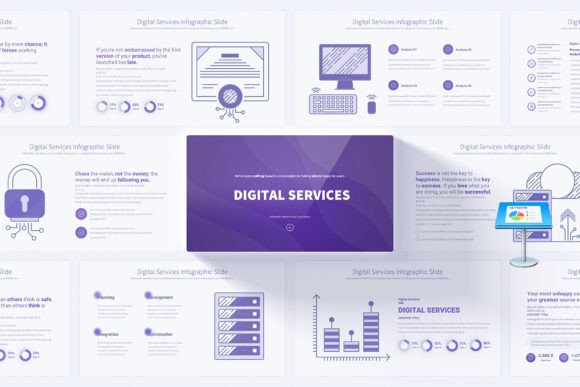
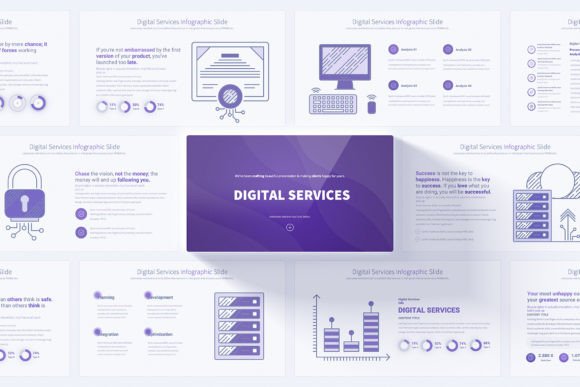
Digital Services PowerPoint Infographics is a comprehensive slide deck designed specifically for this niche. Its core purpose is to offer a structured, visually coherent foundation for presentations focused on IT services, digital transformation, online marketing strategies, and technological consulting. Rather than a generic business template, it provides pre-built infographics and layouts tailored to the terminology and processes common in the digital sector.
Core Characteristics and Practical Design
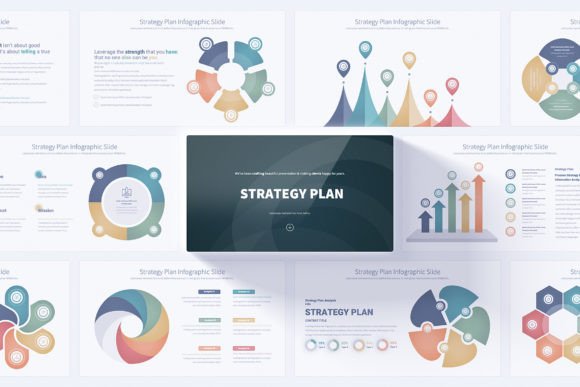
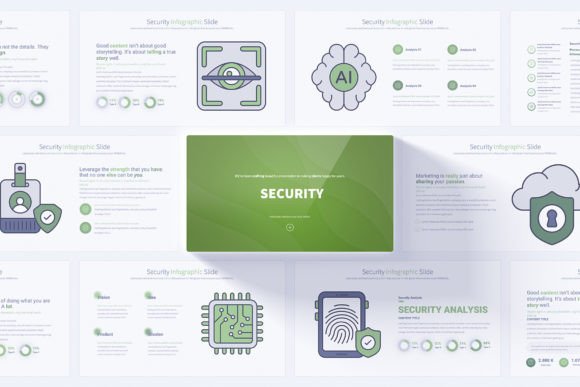
The template is built on a foundation of 17 unique master slides. Each master slide serves as a distinct layout concept—such as service breakdowns, process flows, technology stacks, or comparative analysis. Through the Slide Master functionality in PowerPoint, these 17 layouts generate 204 total individual slides, offering extensive variety while maintaining design consistency. This structure is a key strength; it allows users to rapidly populate a lengthy presentation without manually ensuring every slide aligns with a unified visual theme.
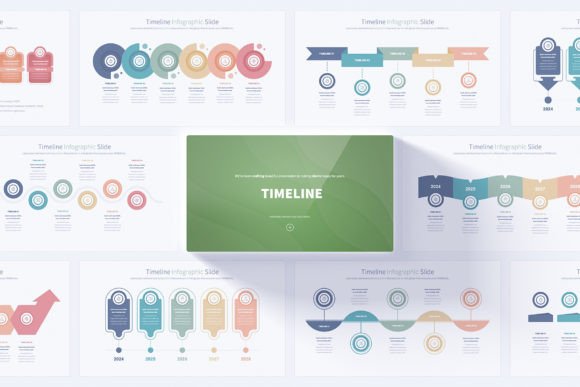
Visual presentation is handled with a clean, light background across 12 distinct color variations. The light background is a practical choice for most professional environments, ensuring text readability and a modern, uncluttered feel. The color variations enable subtle branding alignment or thematic segmentation within a single presentation file. All graphics are provided in 16:9 Full HD resolution, which is now the standard for most contemporary displays and projectors, guaranteeing that presentations appear sharp and professional in live settings.
Functionality for Engagement and Efficiency
Beyond static design, the slides incorporate animated elements and smooth transitions. When used judiciously, these can guide audience attention through a complex infographic step-by-step, revealing layers of information sequentially rather than overwhelming viewers with a complete static image. This functionality is particularly useful for explaining phased processes or interdependent service components.
The inclusion of 280 fully editable vector icons and handmade digital services infographics addresses a common bottleneck. Instead of searching for individual icons that fit a digital theme—icons for servers, APIs, data streams, social platforms—users have a coherent set at their disposal. The "handmade" description suggests custom-designed infographics rather than recycled clip art, which typically results in more unique and fitting visual metaphors for technical subjects.
Editable elements and simple customization via Slide Master mean that the template balances structure with flexibility. A user can change colors, replace icons, or adjust text without breaking the layout’s integrity. This is crucial for professionals who need to adapt the template to a specific client’s brand colors or incorporate a particular project’s nomenclature. The provided PDF documentation presumably outlines these editing steps, aiming to reduce the learning curve for those less familiar with PowerPoint’s deeper features.
Evaluating Real-World Application and Value
In practical use, the primary value of Digital Services PowerPoint Infographics is time savings and elevated visual quality. For an IT consultant preparing a proposal for a cloud migration, the pre-built technology architecture slides can serve as a starting canvas. A digital marketing agency can use the funnel analytics and campaign performance infographics to present quarterly results to a client. The template’s consistency ensures that even a multi-part presentation delivered over several workshops maintains a professional, recognizable visual identity.
The quality hinges on the execution of the infographics themselves. Well-designed infographics should simplify comprehension. A slide illustrating a "Digital Service Ecosystem," for instance, should logically group elements like front-end interfaces, middleware, and backend databases with clear connectors. If the template successfully abstracts complex ideas into intuitive visuals, it performs its core role effectively.
Usability is enhanced by the PowerPoint format. PPTX is a universally accepted standard, eliminating compatibility concerns for most business users. The reliance on Slide Master, however, requires a basic understanding of that tool. Users accustomed to only editing individual slides might need to consult the documentation to leverage the full suite of 204 slides and color themes efficiently. This is a minor limitation for PowerPoint novices but a straightforward process for regular users.
Long-Term Utility and Audience Fit
The long-term value of such a template is tied to its adaptability. If the digital services it covers remain relevant—areas like cybersecurity, SaaS, e-commerce, data analytics—and the designs are not overly stylized to a fleeting trend, it can be a reusable asset for years. Professionals can return to it for different clients or projects, updating content within the stable framework.
This resource is not for everyone. Its design and content are specifically optimized for certain audiences and situations.
Business professionals in technology firms, IT consultants, and digital marketers are the primary beneficiaries. They regularly need to explain technical services, strategic plans, or performance metrics to audiences that may include non-technical decision-makers. The template provides the visual scaffolding to make those explanations clearer.
Organizations undergoing digital transformation can use it internally for training workshops or strategic planning sessions to visualize new workflows. Educators teaching courses on digital business or IT management might find it a useful tool for creating lecture materials. Freelancers and small business owners offering digital services can leverage it to create polished client presentations that compete with larger agencies’ output.
For generalists, bloggers, or hobbyists whose presentations cover broader topics, this template may be too niche. Its terminology and infographic focus are squarely on digital services. A user presenting on, say, financial portfolio management or healthcare policy would find limited direct application.
Practical Recommendations and Final Observations
When considering Digital Services PowerPoint Infographics, assess your typical presentation needs. If digital services are a frequent subject, the template can likely streamline your workflow. Before use, spend time exploring the Slide Master to understand how the color variations and layouts interconnect. This upfront exploration maximizes efficiency later.
Utilize the animated elements with purpose. Overuse can distract. Instead, employ them to build understanding sequentially in complex slides. The bonus icons are a asset; maintain visual consistency by using them throughout rather than mixing in unrelated icons from other sources.
A potential limitation is the inherent constraint of any template: it imposes a certain visual language. If your company or personal style demands a radically different aesthetic—dark backgrounds, highly minimalist designs, or specific illustration styles—adaptation might require more work than starting from a simpler blank slate. However, for most professional contexts requiring clarity and a modern, clean look, the template’s design choices are appropriate.
Ultimately, this product serves as a specialized tool. It won’t replace deep subject knowledge or compelling narrative in a presentation, but it can effectively remove the design hurdle, allowing the presenter to focus on content and delivery. For its target audience, that is a significant practical advantage, turning the often tedious process of slide creation into a more efficient, and potentially more effective, task.